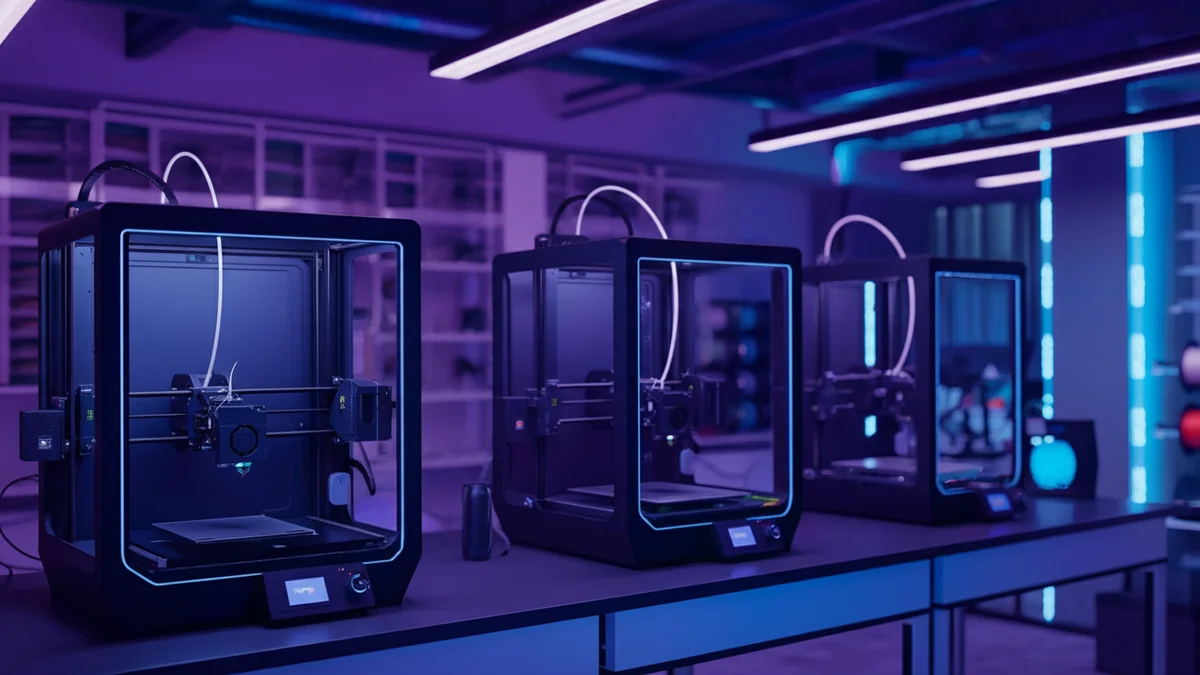
Every 3D print farm starts small. A handful of printers, a Shopify store, and an entrepreneur who manually copies order details into print management software several times a day. At five or ten orders a week, this works fine. But when demand grows — and for on-demand 3D printing businesses, it often grows fast — the manual approach becomes the bottleneck that prevents everything else from scaling.
This article is about what happens at that inflection point, and how the right automation setup lets you scale from a small print farm to a serious production operation without drowning in administrative overhead.
The Scaling Problem Nobody Warns You About
Adding printers is straightforward. You buy more machines, set them up, calibrate them, and your production capacity increases linearly. What does not scale linearly is the workflow around those printers — specifically, the work required to turn incoming Shopify orders into organized print jobs assigned to the right machines.
When you operated five printers and handled twenty orders a week, you could keep track of everything in your head. You knew which printer had which material loaded, which orders were urgent, and which files corresponded to which products. But at fifty orders a week across fifteen printers, that mental model collapses. Orders start slipping through the cracks. Jobs get assigned to the wrong printer group. Files get mixed up. Customers wait longer, and you spend your evenings catching up on order processing instead of improving your products or growing the business.
The core issue is that order processing is a linear task in a system that needs to scale exponentially. Every additional order requires the same amount of manual attention as the first one. There are no economies of scale in copying order details by hand.
Building a Scalable Foundation
The businesses that scale successfully all share one characteristic: they invest in automation before they desperately need it, not after. The best time to set up automated order processing is when you are still small enough to configure everything carefully and test it thoroughly, not when you are already overwhelmed and rushing to put out fires.
A scalable 3D print farm needs three systems working together. First, a storefront that handles customer-facing operations — product listings, payments, shipping. Shopify excels at this and provides the tools to present your products professionally and process transactions reliably. Second, a print management platform that handles production — job queuing, printer assignment, progress monitoring. SimplyPrint is purpose-built for this and manages everything from file preparation to print completion. Third, a bridge that connects these two systems so that orders flow automatically from one to the other without manual intervention.
Shopify2SimplyPrint is that bridge. It connects your Shopify store to SimplyPrint and automatically creates print jobs when orders come in, complete with the correct files, quantities, and printer group assignments.
What Changes When You Automate
The immediate change is obvious: you stop spending time on data entry. But the downstream effects are more significant than the time savings alone.
Consistency improves dramatically. When a human processes orders manually, the error rate is never zero. A mistyped quantity here, a wrong file selection there — these small mistakes accumulate and create rework, wasted filament, and delayed shipments. Automated order processing eliminates this entire category of errors because the same mapping that worked correctly for the first order works identically for the thousandth.
Response time drops to near zero. Manual processing introduces a delay between when an order is placed and when a print job is created — typically hours, sometimes a full day if orders come in overnight. With automation, the job appears in SimplyPrint within seconds of payment confirmation. For customers who are comparing 3D printing services, that speed difference can be a competitive advantage.
And perhaps most importantly, your capacity to take on new orders becomes decoupled from your capacity to process them. You can accept a hundred orders on a busy weekend without worrying about spending Monday morning creating a hundred print jobs. The system handles it while you focus on what actually needs your attention: quality control, machine maintenance, and customer relationships.
Scaling in Stages
Not every print farm needs to go from zero to full automation overnight. A staged approach works well and lets you validate each piece before building on it.
In the first stage, you configure Shopify2SimplyPrint to handle your most popular products — the ones that generate the majority of your orders. Map each product to its print file, set the correct quantities per print run, and assign the appropriate printer groups. This alone can eliminate sixty to eighty percent of your manual order processing because most businesses follow a Pareto pattern where a handful of products drive most of the volume.
In the second stage, you extend the automation to your full catalog. This includes products with variants that require different files or materials — multi-material and multi-color orders that would be particularly error-prone to process manually. At this point, new orders should flow through your system with virtually no manual intervention.
In the third stage, you focus on the downstream workflow. With order-to-print fully automated, you can turn your attention to automating fulfillment — marking orders as shipped in Shopify when prints complete and pass quality inspection. This closes the loop and gives your customers automatic tracking updates.
The Numbers at Scale
Consider a print farm processing two hundred orders per week. At five minutes per order for manual processing, that is approximately seventeen hours per week — more than two full working days. Over a year, that adds up to nearly nine hundred hours spent on pure administrative work that produces no physical product.
With Shopify2SimplyPrint, you eliminate essentially all of that administrative time. Even if you value your time conservatively at twenty dollars per hour, the annual value of the automation exceeds eighteen thousand dollars, against a software cost of nothing and a hosting bill that usually stays inside Cloudflare's free tier. The return is not incremental — it is transformative.
But the real value is not captured in a time-saved calculation. The real value is that those seventeen hours per week become available for work that actually grows the business: developing new products, improving print quality, optimizing machine utilization, building customer relationships, or simply maintaining a sustainable work schedule instead of burning out on repetitive tasks.
Common Mistakes When Scaling
The most common mistake is waiting too long. Business owners convince themselves they can handle the manual workload for a little longer, and by the time they decide to automate, they are already making errors and losing customers to slow processing times. Setting up automation takes a few hours. Those few hours of setup prevent hundreds of hours of future manual work.
The second mistake is automating partially and leaving gaps. If half your products are automated and half require manual processing, you still need a manual workflow — you've just made it more confusing because now you have to remember which products need intervention and which don't. Commit to automating your entire catalog so the manual process can be retired completely.
The third mistake is neglecting the parts of your operation that should remain manual. Automation handles the administrative workflow, but quality control, machine maintenance, and customer communication require human judgment. The goal is not to remove humans from the process — it is to redirect human effort toward work that benefits from human involvement.
Getting Started
If you are running a 3D print farm with Shopify and SimplyPrint, the path to automation is straightforward. Shopify2SimplyPrint is free and open source, so you can set up your product mappings, verify that jobs appear correctly in SimplyPrint, and confirm the workflow integrates with your existing processes at no cost. When you are ready to handle real volume, nothing changes: print job creation is unlimited and you are already running it on your own infrastructure.
You can test at full capacity from the start, because there is no capacity limit to begin with. The setup takes less than an hour, and the time you save starts accumulating from the very first automated order.