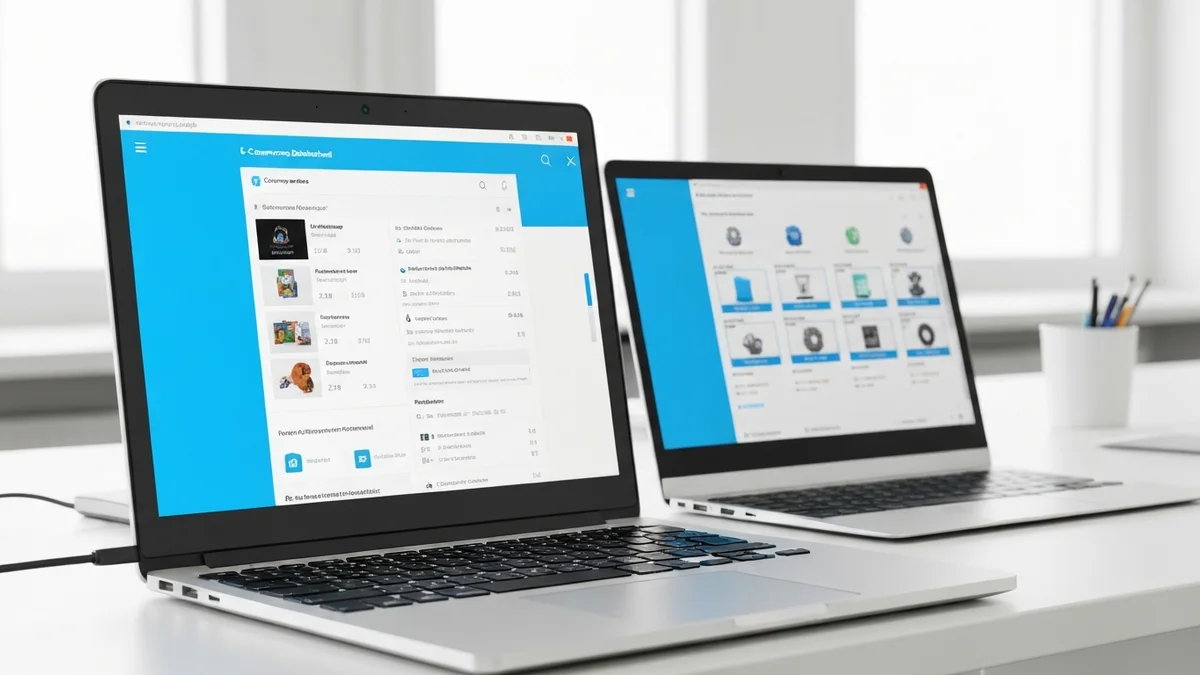
If you run a 3D printing business on Shopify, you already know the drill: an order comes in, you open SimplyPrint, find the right file, set up the job, assign it to a printer, and repeat. Ten orders a day means ten repetitions of a process that should not require a human at all. A Shopify SimplyPrint integration eliminates every one of those manual steps and lets the two platforms talk directly to each other the moment a customer pays.
What Is a Shopify SimplyPrint Integration?
A Shopify SimplyPrint integration is a connection between your Shopify store and your SimplyPrint print farm manager. When a customer places a paid order on Shopify, a webhook fires immediately and a print job is created inside SimplyPrint — no spreadsheets, no copy-pasting, no switching tabs.
Shopify2SimplyPrint is the app that provides this connection. It sits inside the Shopify admin, listens for order-paid events, looks up how each product is mapped to a SimplyPrint print file, and calls the SimplyPrint API to create the job. The whole process takes a few seconds from payment to print queue.
How the Integration Works Step by Step
The workflow is straightforward once you understand the six stages:
- Map your products. In the Shopify2SimplyPrint products page, you link each Shopify product (or variant) to the corresponding print file stored in SimplyPrint. You also set the yield — how many finished pieces come from a single print run.
- Customer orders. A shopper completes checkout and payment on your Shopify store. That is the trigger.
- Webhook fires. Shopify sends an order-paid webhook to Shopify2SimplyPrint immediately after payment is confirmed.
- Print job is created. Shopify2SimplyPrint reads the order line items, calculates the quantity divided by the yield, and calls the SimplyPrint API to create one or more print jobs with the correct file attached and the correct printer group assigned.
- Printer runs the job. SimplyPrint routes the job through its queue to the assigned printer. Your operators see it appear automatically — no manual entry required.
- Order fulfilled. Once the print is done and the item ships, you mark the order fulfilled in Shopify as normal.
What Data Is Synced
Shopify2SimplyPrint passes a rich set of information to SimplyPrint with each job creation. The file reference is attached so SimplyPrint knows exactly which model to print. The printer group is assigned based on the product mapping, so jobs land on the right hardware automatically. The quantity calculation — order quantity divided by yield — means if you sell a set of four figurines that all fit on one build plate, a single order of eight pieces creates two print jobs, not eight.
Product variant details are also included in the job notes, so operators can see at a glance which color, size, or material the customer ordered without having to cross-reference the Shopify order separately.
Key Benefits of Automating This Workflow
The most obvious benefit is time saved. Depending on your process, manually creating a print job takes between three and ten minutes. At fifty orders a week, that is four to eight hours of pure administrative work that produces no value — time better spent on quality control, customer support, or growing the business.
The second benefit is accuracy. Manual data entry introduces errors: wrong file, wrong quantity, wrong printer. Automation removes the human from that loop entirely, so every job is created consistently.
Third, the queue in SimplyPrint updates in real time. Your print operators always have a live view of what needs to be printed without waiting for someone to transcribe orders. This matters especially for businesses running multiple shifts or managing a team across different time zones.
Finally, multi-variant orders are handled correctly from the start. If a customer orders a red vase and a blue vase in the same cart, Shopify2SimplyPrint creates two separate print jobs — one for each variant — without any manual splitting.
Pricing and Getting Started
Shopify2SimplyPrint is free and open source under the GPLv3. There are no plans, no print limits and no subscription: you run it on your own Cloudflare account, where typical shop volumes fit comfortably inside the free tier. That holds whether you are testing the workflow on a handful of orders or running a high-volume farm.
Every feature is available from the start. You deploy Shopify2SimplyPrint to Cloudflare with one click, connect your SimplyPrint account with an API key, map your first product in under five minutes, and place a test order to see the job appear in your SimplyPrint queue. No development work required.